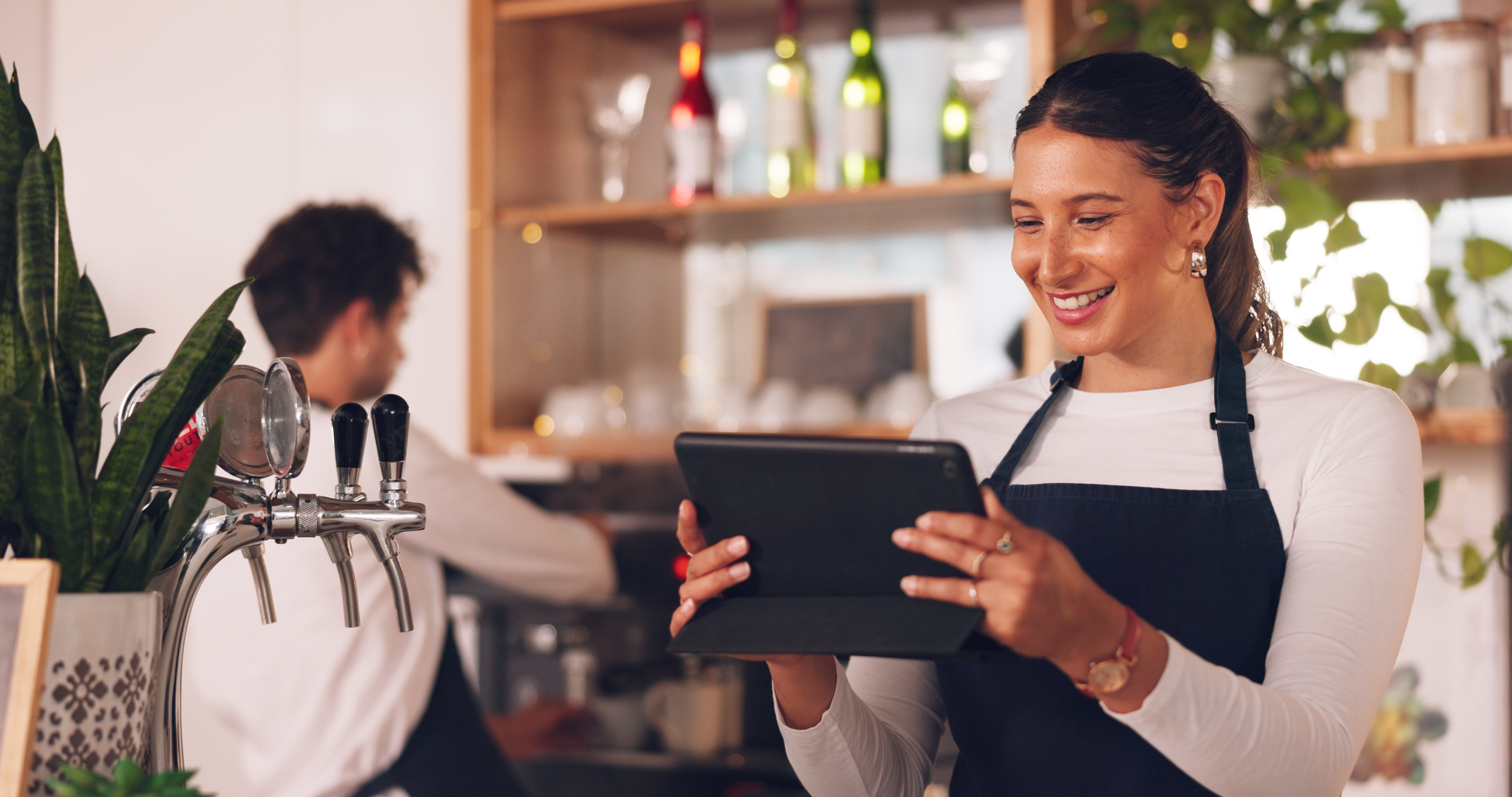
Why a Kitchen Display System makes a difference
During a busy service, orders arrive from the bar, terrace and dining room at the same time. Paper tickets can get lost, changes may be missed and it is difficult to see which table has been waiting longest. A Kitchen Display System, usually shortened to KDS, brings this information together on one screen.
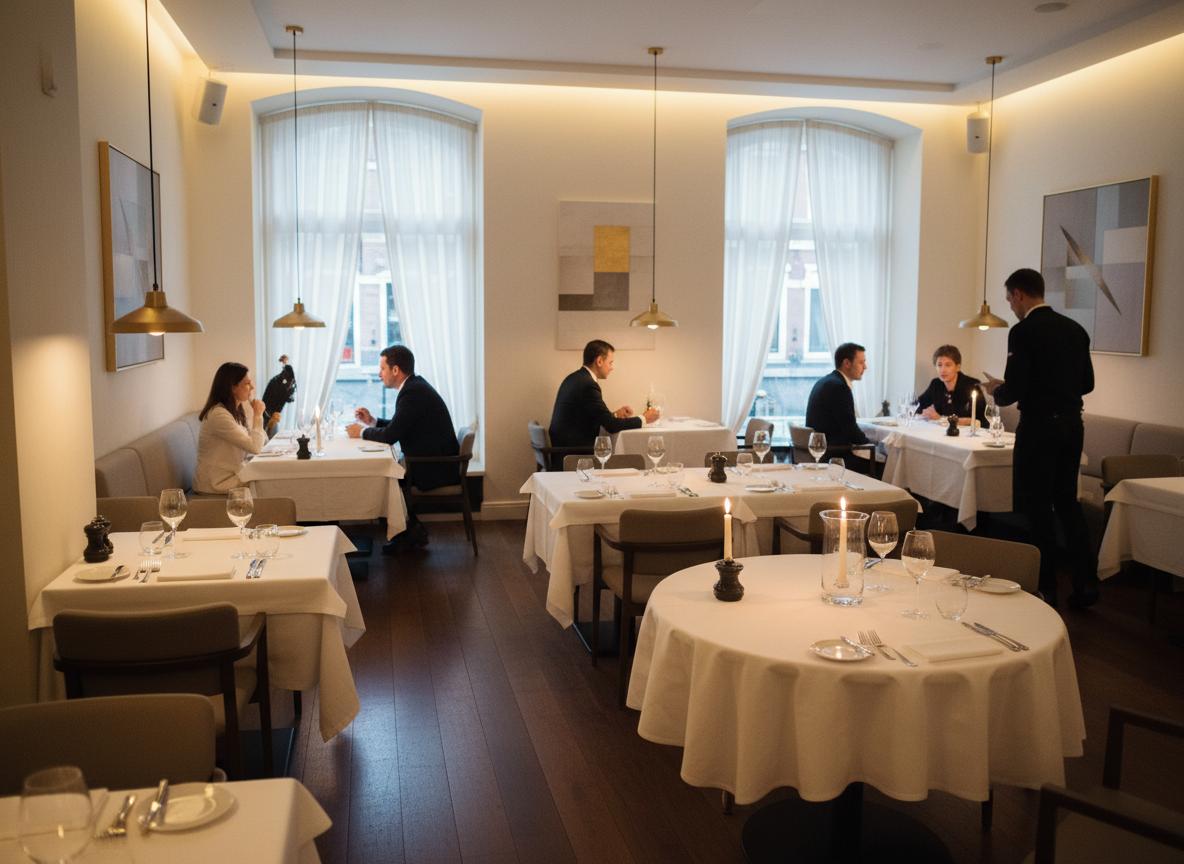
One up-to-date order list
Every order appears directly in the production environment. The kitchen can see which products belong together, when an order arrived and its current status. Service staff spend less time walking to the kitchen to ask for updates.
A clear order list helps teams:
- Set priorities during peak periods
- Process modifiers and changes correctly
- Monitor waiting times
- Mark orders as ready
- Coordinate kitchen, bar and service
Working with production stations
Not every product is prepared in the same place. Drinks go to the bar, hot dishes to the kitchen and desserts may have their own station. Production stations direct parts of an order to the right workplace.
Multiple production stations are included with Deskly POS PRO. Each station can focus on relevant products while the complete order remains connected.
Screen or receipt printer?
A screen provides live status and overview. A receipt printer is tangible and straightforward. Many businesses combine a KDS with a Wi-Fi, Bluetooth or LAN printer for additional production tickets. USB printers are not supported.
Preparing your workflow
Map the current route first. Where does an order enter? Who checks changes? When is a dish ready and who tells service?
Then configure categories and stations logically. Keep the structure simple and test during a quiet service before relying on it on a full Saturday night.
More control over every order
A KDS does not solve every process issue automatically, but it makes the work visible. Clear agreements and a good setup create a calmer, more predictable service.