From a reservation list to a workable table plan
A full reservation list is great only when the plan is realistic. If every guest arrives at once, tables are scheduled too tightly or current occupancy is not updated, the entrance quickly becomes chaotic.
Combine planning with live status
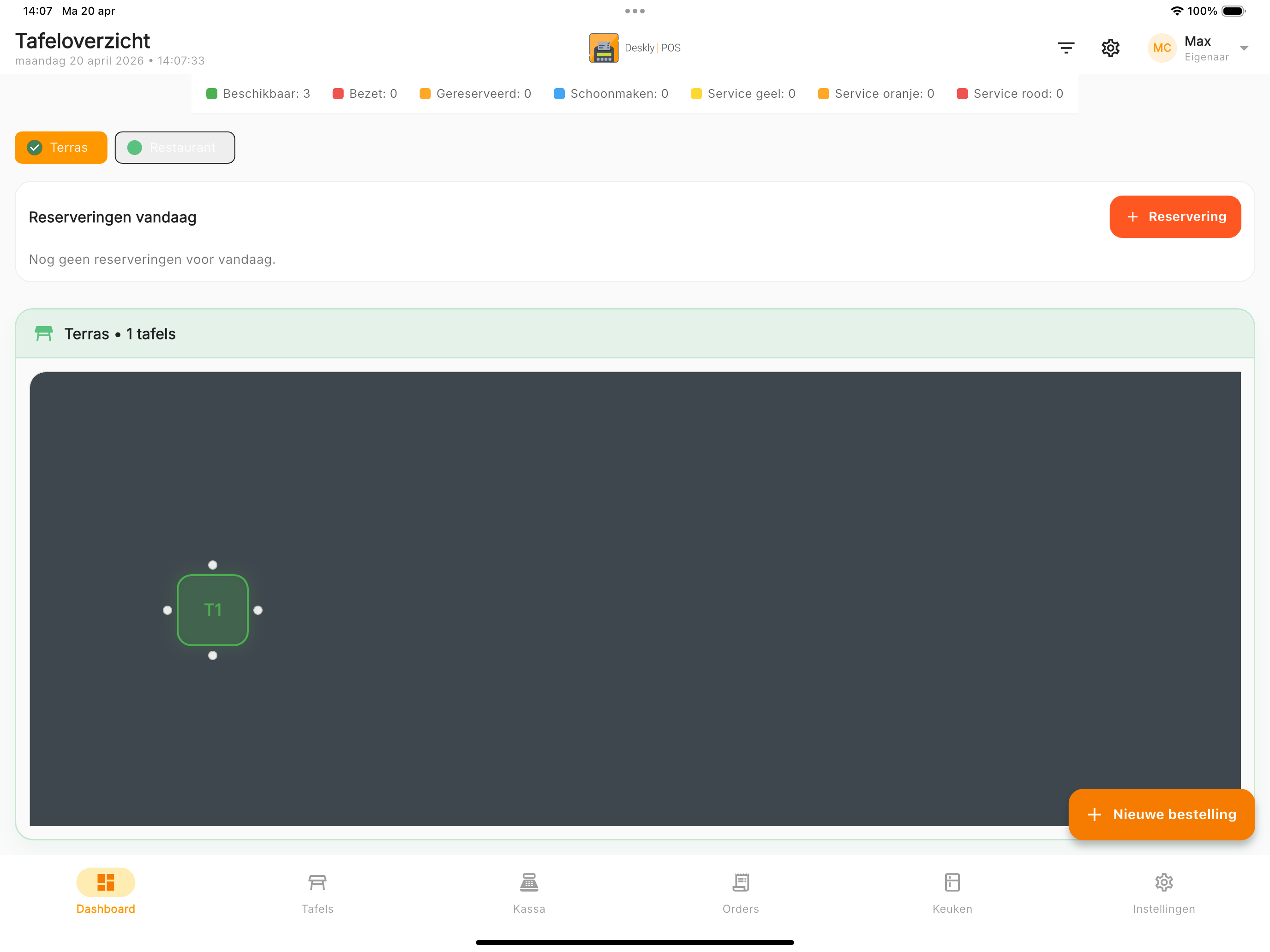
A reservation tells you who is coming and when. The table overview shows what is happening now. Together, they help the team see which table is reserved, which guests are seated and where space will become available.
Record these details:
- Number of guests
- Expected arrival time
- Estimated length of stay
- Dining room, terrace or bar preference
- Special requirements and accessibility
Spread out large groups
Large groups require attention from service and kitchen at the same time. Avoid scheduling several large bookings at exactly the same moment. Even fifteen minutes can make reception, drinks and the first kitchen round easier.
Use table statuses consistently
A digital overview is reliable only when the team updates it. Agree when a table changes from reserved to occupied and when it becomes available again.
Useful statuses show:
- Which table still needs to order
- Where an order is being prepared
- Which guests are ready to pay
- Which table needs cleaning
Learn from real services
Review which time slots regularly overrun. Lunch guests may stay longer than expected, or group dinners may average more than two hours. Adjust default durations based on actual experience.
A calm service starts before arrival
A strong reservation flow is not simply about filling every table. It creates a realistic plan shared by reception, service and kitchen.
Discover Deskly POS for restaurants or try Deskly POS for free.