From Order to Checkout: Optimise Your Restaurant POS
A smooth journey from order to payment is essential for every restaurant. It supports revenue, reduces stress and improves the guest experience.
Step 1: Fast and accurate ordering
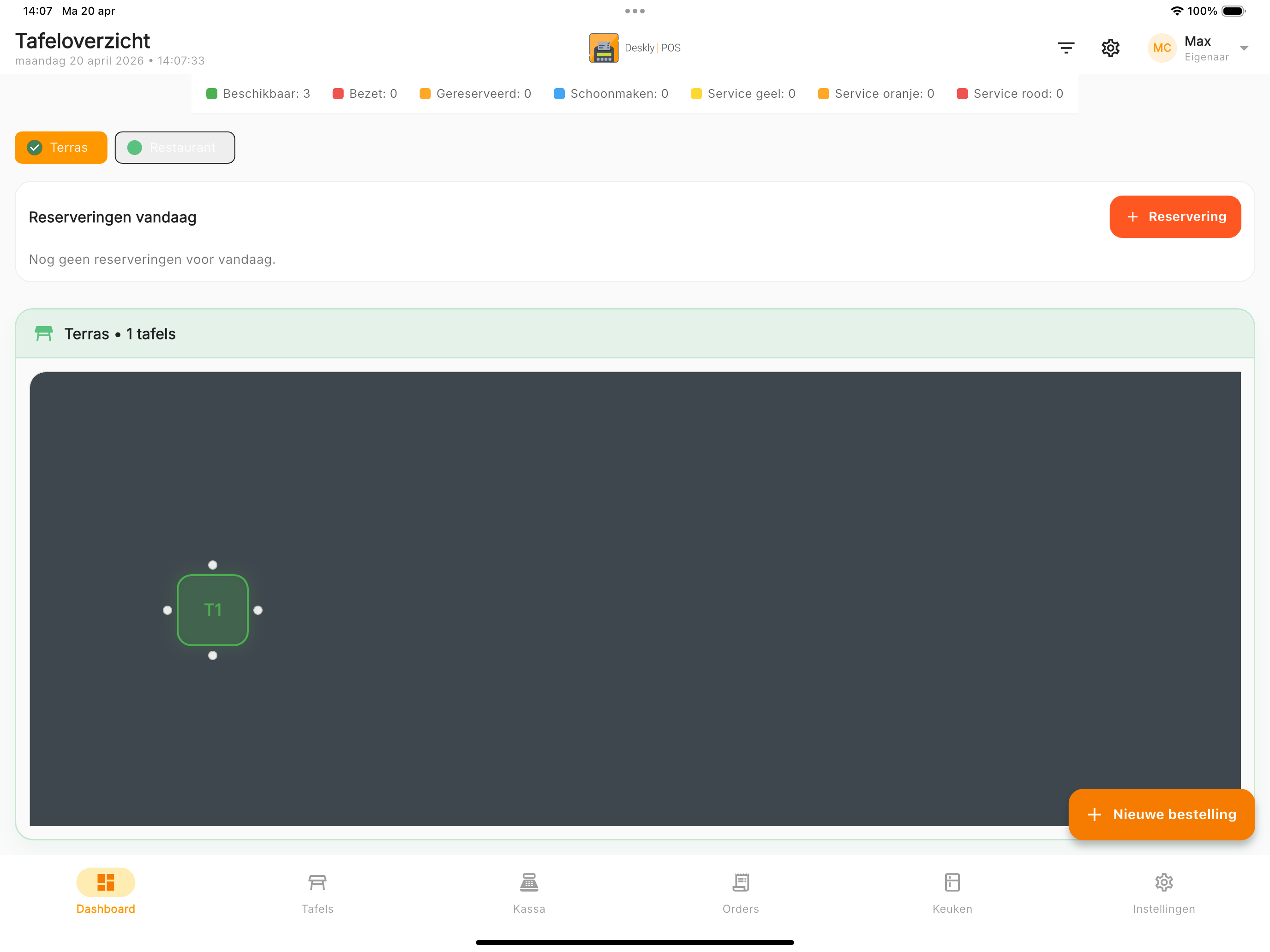
Digital ordering starts with a clear menu structure. Organise products into starters, mains, desserts, drinks, coffee and tea.
Modifiers and changes
Guests can request changes such as "no onion", "medium rare" or "extra cheese". These notes go straight to the kitchen.
Directly to the kitchen
Orders are sent in real time to the kitchen printer or screen. No forgotten notes and no unnecessary walking.
Shortcuts and favourites
Popular products can be saved as favourites, helping experienced staff enter orders in seconds.
*"Our team learned Deskly POS in one day. The next day they were already faster than with our old system."* — Restaurant manager, Breda
Step 2: Additional orders and table management
During service, things change constantly. A good table management system keeps every update visible.
Additional orders
Wine for table 5, dessert menus for table 3 or extra bread for table 8 can be added to the open bill immediately.
Real-time table status
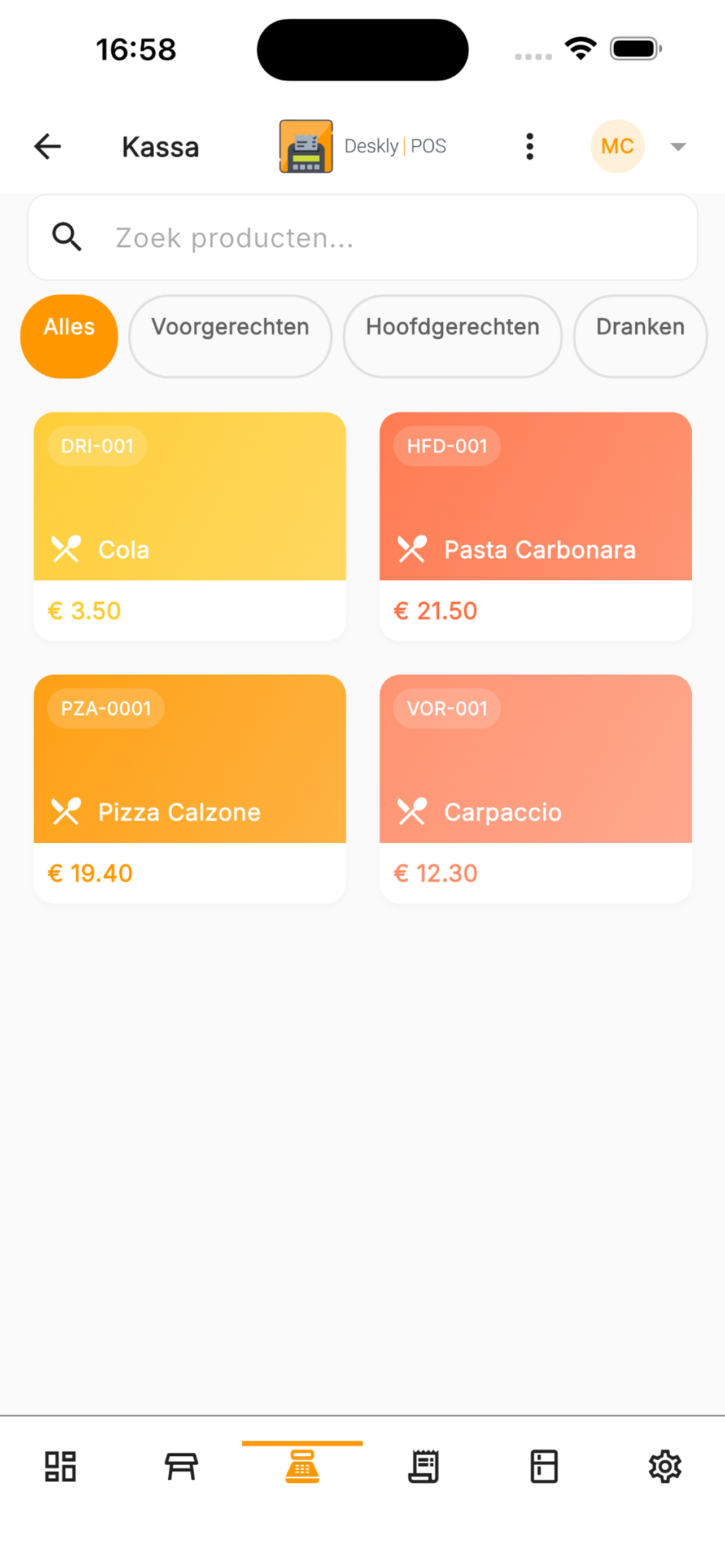
See each table's status, open orders, time since last order and assigned staff member.
Kitchen communication
The kitchen can see priorities and delays. If a main course is taking too long, the team can communicate proactively.
Step 3: Fast checkout
The payment moment is often the final impression. A smooth checkout makes guests happier and tables available sooner.
1. Generate the bill
Create a bill per table with one click. No manual calculations or missing items.
2. Split bills
Split by person, dish, payment method or tip. Perfect for groups and business dinners.
3. Multiple payment methods
Accept debit cards, credit cards, contactless payment, Apple Pay, Google Pay and payment on account.
4. Digital receipts
Send receipts by email for business guests and reduce paper waste.
5. Tip suggestions
Simple tip suggestions can increase tips without feeling intrusive.
*"Our tips increased by 25% since introducing digital checkout with tip suggestions."* — Cafe owner, Leiden

The role of your restaurant POS
A modern restaurant POS is the central system of your business. It supports inventory, reports, staff management and personalised guest service.
A day with Deskly POS
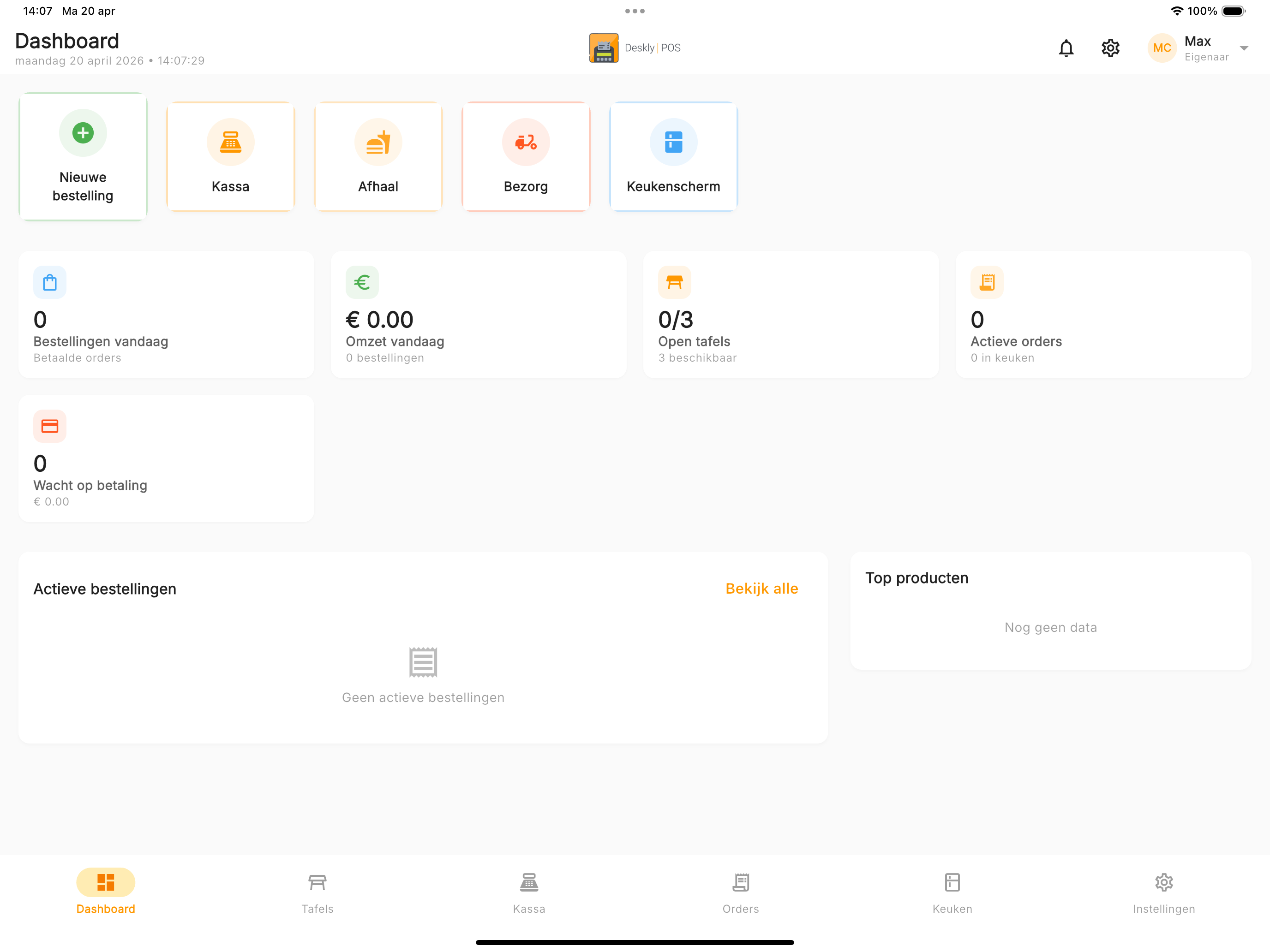
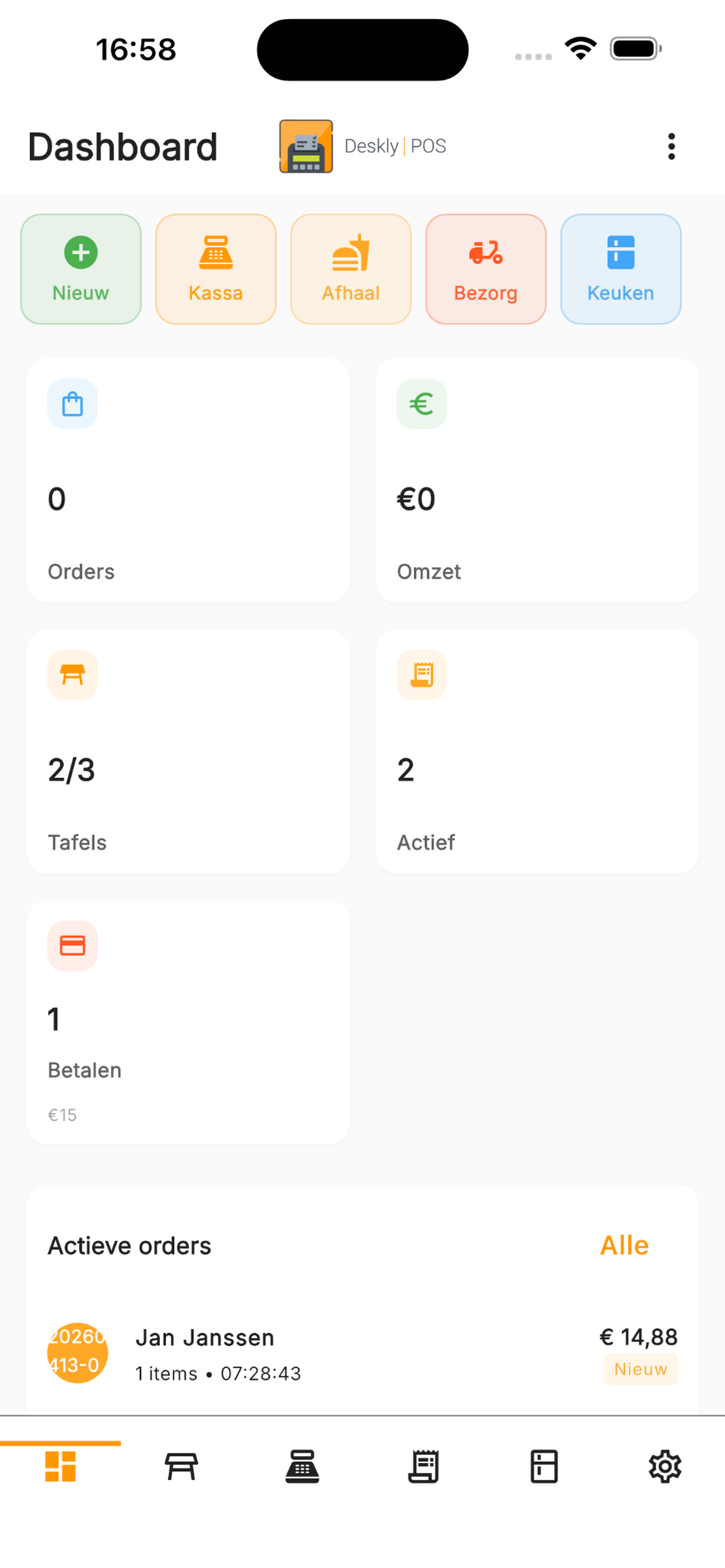
At opening, you check stock. During lunch, orders flow to the kitchen in real time. In the afternoon, reports show what sold well. During dinner, table statuses help the team turn tables smoothly. At closing, daily reporting is ready with one click.
Start with a smarter process
Whether you are opening a new restaurant or improving your current workflow, Deskly POS helps you use every second from order to checkout.
Start your 30-day free trial and experience the difference.